
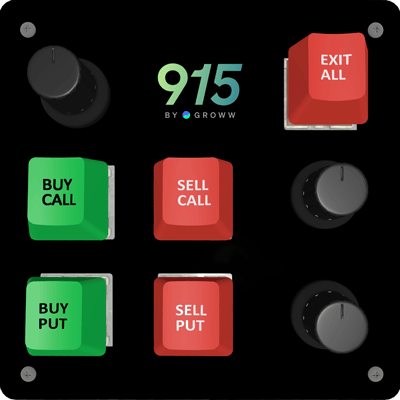
The 915 Scalper Keypad
Limited supply• Waitlist open
Built Exclusively for
Scalpers
A trading workspace designed for speed


On-Chart trading
Place and manage trades exactly where price moves

One-click trading
Buy, sell and set SL or Target in just one click
Call / Put / Spot view
View Call, Put, and Spot charts together or switch between them easily
Stop-loss / Target on Chart
Set and adjust Stop-Loss and Target levels directly on the chart


Instant Put ↔ Call Reversal
Reverse your position from Put to Call or Call to Put instantly
Keyboard-first trading
Place, exit and reverse trades quickly using keyboard shortcuts
Turbocharged Trading Experience
Uptime
Speed
*for 88% of orders
Traders

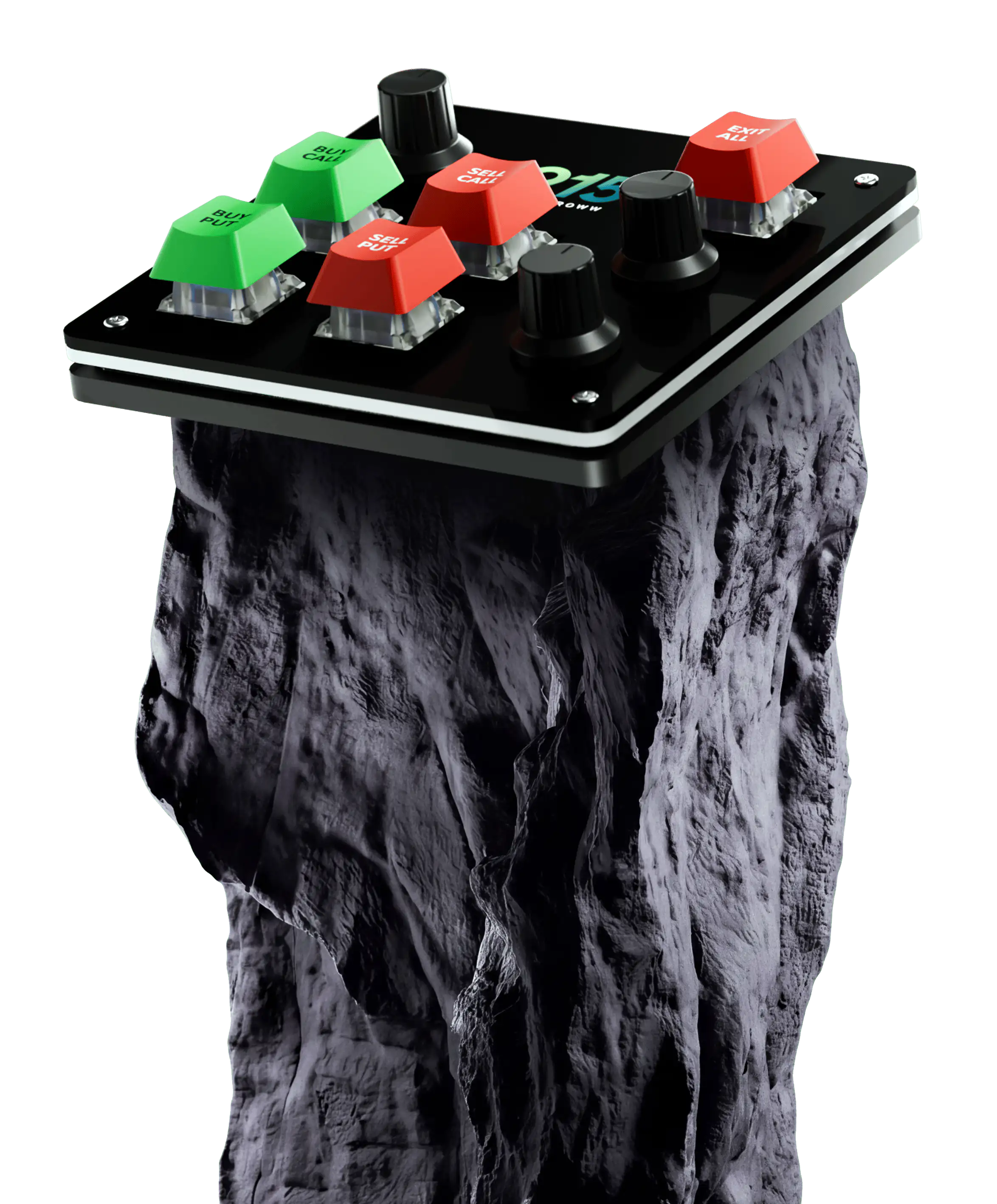
The 915 Scalper Keypad
Limited edition trading keypad • Built specially for scalping • Fully customisable

915 on YouTube
Watch quick tutorials to explore features, optimise your setup, and trade with greater control


Frequently Asked Questions
What is Scalper Mode?
Can I place Stop-Loss and Target directly on the chart?
What risk management features are available in Scalper?
Can I scalp using keyboard shortcuts?
Are there additional charges for using Scalper Mode?
Can I view Call, Put, and Spot charts together?
Does Scalper Mode work during high volatility?
Can I modify quantity quickly while trading in Scalper Mode?
Built for Speed
Quick execution, one-click orders, and keyboard shortcuts for speedy trading
Vaishnavi Tech Park, South Tower, 3rd Floor Sarjapur Main Road, Bellandur Bengaluru – 560103, Karnataka



Disclaimer: Investments in securities market are subject to market risks, read all the related documents carefully before investing. Groww Invest Tech Pvt Ltd is a member of BSE Membership ID - 6699, NSE Membership ID - 90187, MCX Membership ID - 57420 with SEBI Reg. no: INZ000301838 having registered office at VTP, 3rd floor, Sarjapur Main Road, Bellandur, Bengaluru - 560103. The securities are quoted as an example not as a recommendation.
© 2026 915 by Groww. All rights reserved.
